Start here
Minivan at a glance
What Minivan does, who it’s for, what it costs, how the free trial works, and how paying through Apple works.
Updated November 20, 2026
What it does
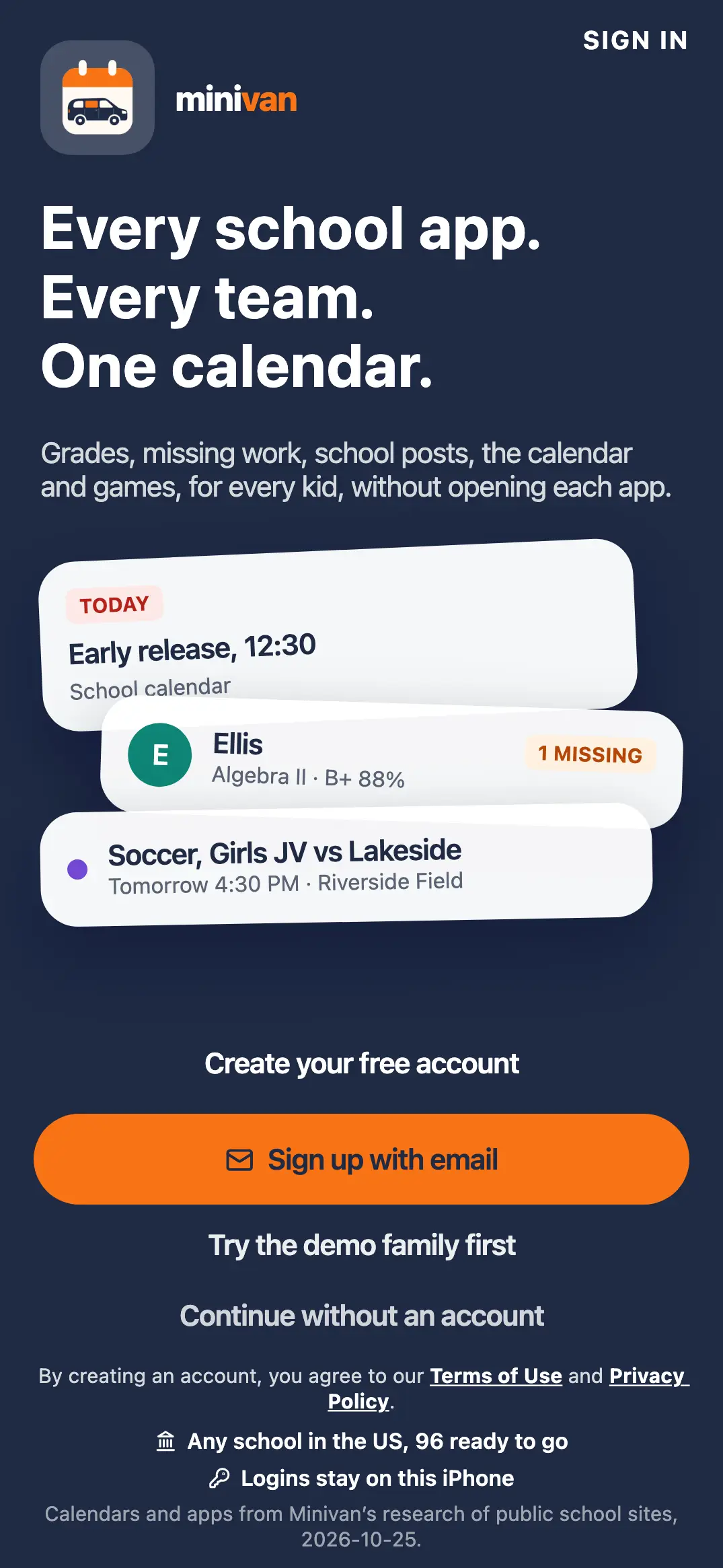
Minivan is an iPhone app for parents and guardians. It reads your kids’ school apps (grades, assignments, missing work, school posts and calendars), adds every practice and game from your kids’ teams, and puts it all on one calendar, sorted by kid. Today shows what matters this morning, and the other parent sees the same family on their own iPhone.
Who it’s for
Parents and guardians, 18 and older. Kids don’t have accounts: the parent who sets up the family adds each kid’s first name, grade and school.
Where it runs
| Question | Answer |
|---|---|
| iPhone | Yes, from the App Store. |
| iPad, Mac, Android | Minivan is made for iPhone only, so school logins stay on your phone. |
| Website | getminivan.com: create your account, browse school and team calendars, and read this help center. |
What it costs
| Plan | Price |
|---|---|
| Free trial | 14 days, starting when you finish setup. No card and no Apple subscription needed. |
| Monthly | $4.99 a month |
| Yearly | $39.99 a year ($3.33 a month) |
| Demo family | Always free |
One subscription covers the whole family: both parents, on both iPhones.
How the trial works
The 14 days start the first time you finish setup (family, kids and apps). Minivan counts them on your iPhone itself, so deleting and reinstalling the app doesn’t start a new trial. Nothing is charged when the trial ends: if you haven’t subscribed, Minivan keeps working on the free plan (school apps, calendars, grades, lunch and teams), and the Plus features (AI and alerts) wait for a subscription.
How paying works
Subscriptions are sold through the App Store and charged to your Apple Account. Minivan never sees your card. The plans screen in the app shows the plans; when you tap Subscribe, Apple’s own purchase sheet confirms the price and takes payment. Subscriptions renew automatically until you cancel at least 24 hours before the end of the period, in iPhone Settings → your name → Subscriptions. Apple handles refunds: see Subscription and billing.
Where to go next
- New here: Getting started with Minivan.
- Already set up: Today and Calendar and Add a sports team from any app.
- Something not working: Troubleshooting.
← All help · FAQ · Questions? support@getminivan.com