Sports
Add a sports team from any app
Three ways that work anywhere in the US: your association’s website, a team app’s calendar link, or a screenshot.
Updated November 20, 2026
1. From your association’s website
Paste the club or association’s website. If it runs on SportsEngine, Sprocket or Crossbar, Minivan reads its teams right there, grouped by age, and you switch on the ones to follow. No sign-in needed: these schedules are public.
- Tap + (or Settings → Add a team, photo or calendar) → Follow a sports team.
- Tap “From your association’s website”.
- Paste the website (for example mplshockey.com) and tap Find.
- Pick who it’s for, then switch on your teams.
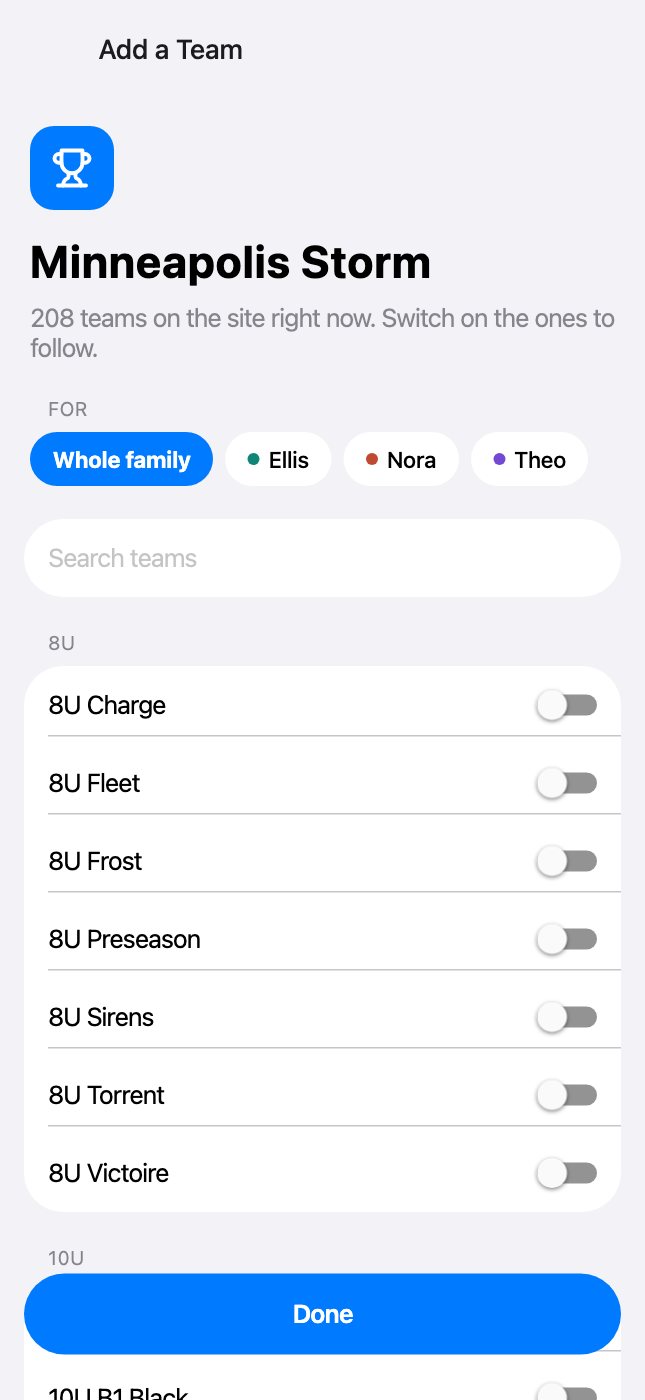
2. From a team app’s calendar link
Every team app can share a calendar link (also called subscribe, sync, iCal or webcal). Copy it in the team’s app, paste it into Minivan, name the team and pick the kid. Minivan recognizes the app and keeps the schedule up to date.
| App | Where the link is |
|---|---|
| TeamSnap | On the web: the team → Schedule → Settings → Sync Calendar / Export → copy the link. In TeamSnap ONE, tap the calendar icon on All Schedules and the links are emailed to you. |
| GameChanger | The team → the gear → Schedule Sync → Sync Schedule to Your Calendar → Copy Calendar Link. |
| SportsEngine | Paste the team’s page (it has /page/show/ in it), or in the app: the team → Schedule → Subscribe. |
| LeagueApps | In LeagueApps Play: My Account → Members → your player → Subscribe to Calendar. |
| PlayMetrics | Calendar → Sync Calendar → copy the link. |
| Demosphere | Your team → Sync to Calendar → copy the link. |
| TeamLinkt, BenchApp, Heja, Spond, 360Player | The team’s schedule → Subscribe or Sync → copy the link. |
| Sports Connect (Little League, AYSO) | Schedules live in the team app or GameChanger; copy that app’s calendar link, or use a screenshot. |
| School athletics (rSchoolToday, ArbiterLive, VNN, MaxPreps) | Open the team’s schedule and look for Subscribe, iCal or Sync to Calendar. |
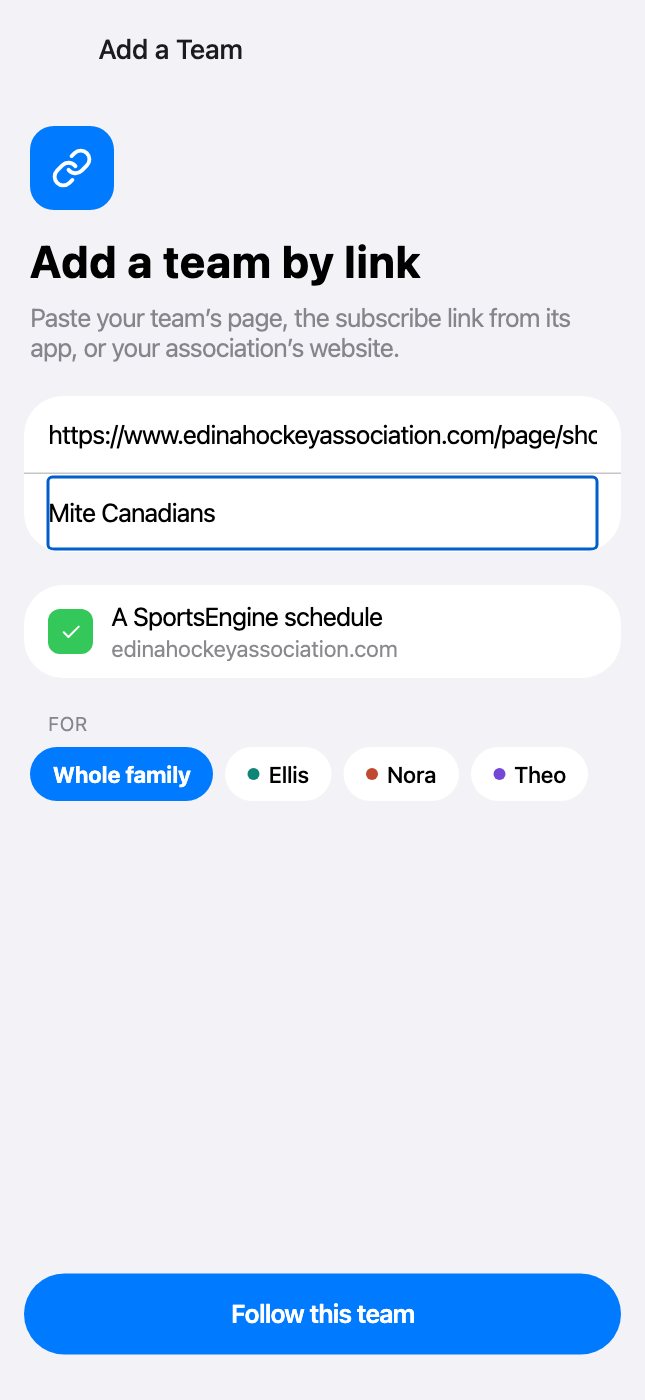
3. From a screenshot or photo
Any schedule works: a screenshot of a team app, an email, a PDF, a flyer on the fridge. See Scan a schedule into events.
Near the Twin Cities?
Families whose kids go to Twin Cities schools also get a ready-made list of Minnesota associations, with their district’s first. Anywhere else, the three ways above work the same.
Manage a team
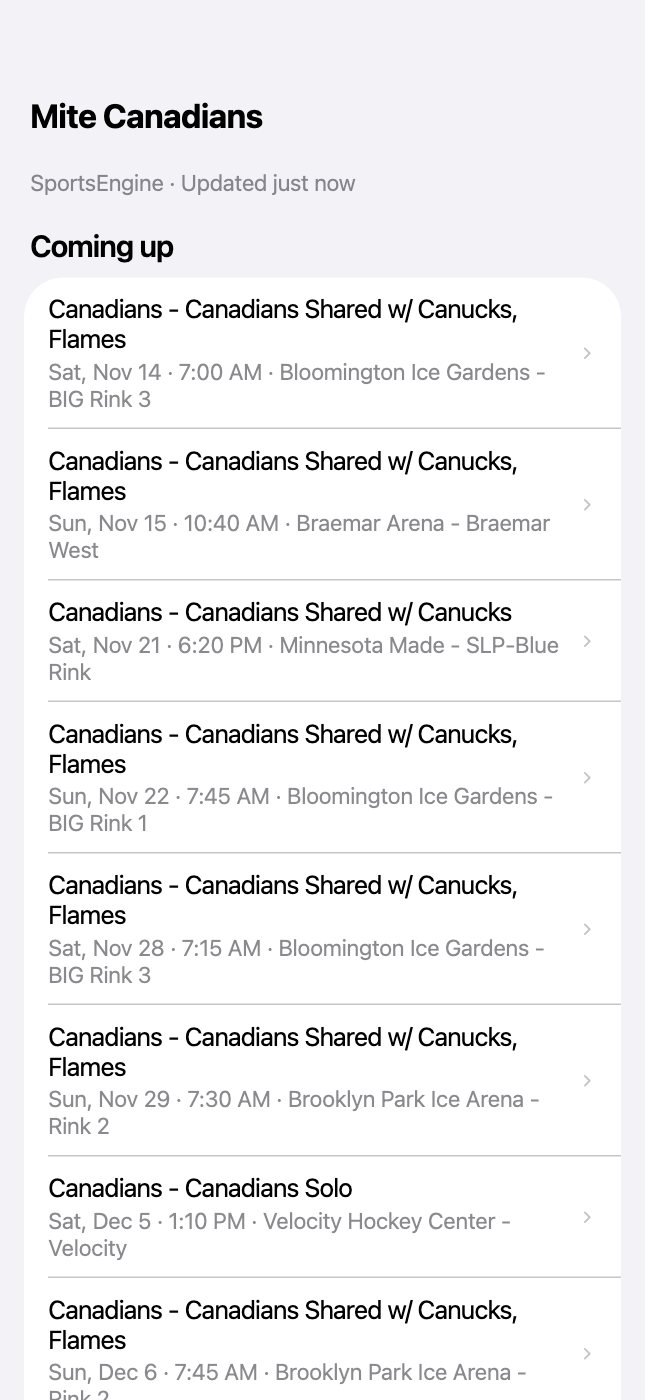
Settings → tap the team: every upcoming practice and game, who it’s for, a link to the schedule’s web page, Share, Update now, Rename and Remove.
← All help · FAQ · Questions? support@getminivan.com