Account and billing
Subscription and billing
Minivan is free; Minivan Plus (AI and alerts) is $4.99 a month or $39.99 a year for the whole family. Subscribe, restore, switch plans, cancel, and get a refund from Apple.
Updated November 20, 2026
Plans
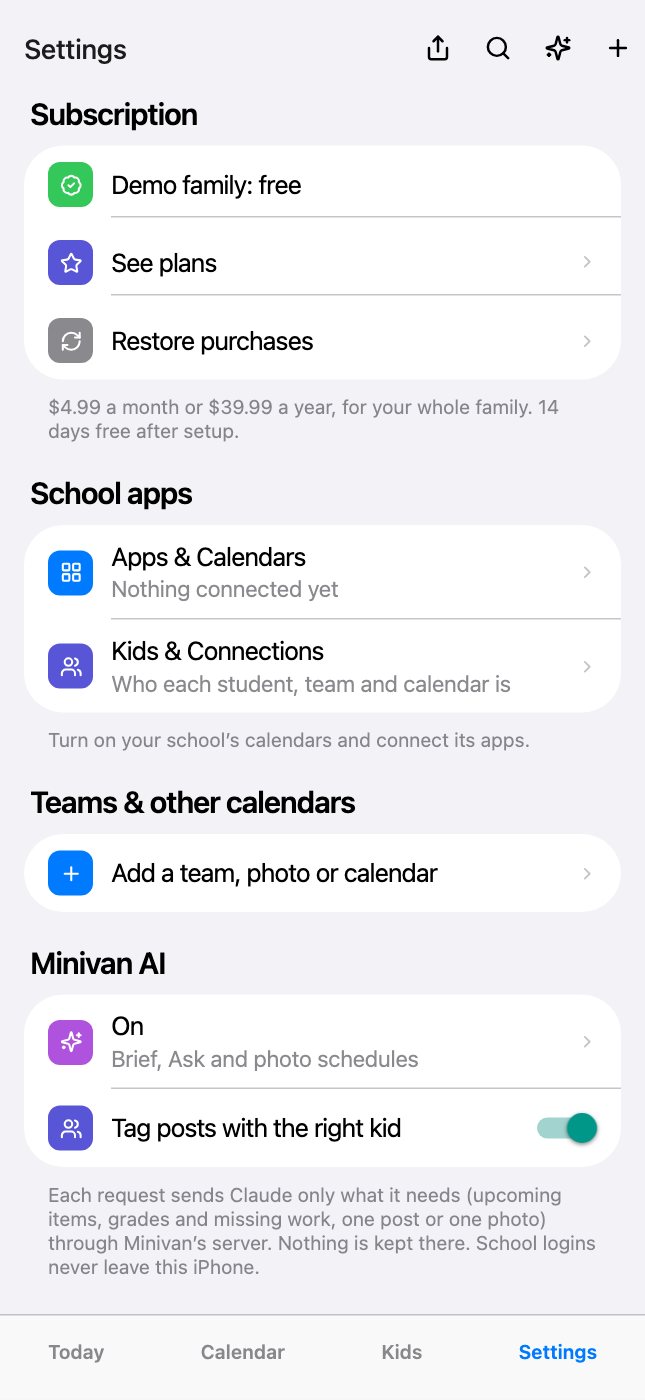
Minivan is free. Minivan Plus (the AI brief, Ask, summaries, photo scan and alerts) is $4.99 a month or $39.99 a year after 14 days free. When the 14 days end, Minivan keeps working on the free plan. One subscription covers your whole family, both parents.
Manage or cancel
Settings → Manage subscription, or iPhone Settings → your name → Subscriptions. Billing is through Apple. Restore purchases is in Settings if you reinstall.
The free trial
The 14 days start when you finish setup, and you don’t need to subscribe or add a card to start them. Settings → Subscription shows how many days are left. When they end, Minivan shows the plans screen until someone in the family subscribes; Settings, the demo family and account deletion stay open, and nothing is charged.
Subscribe
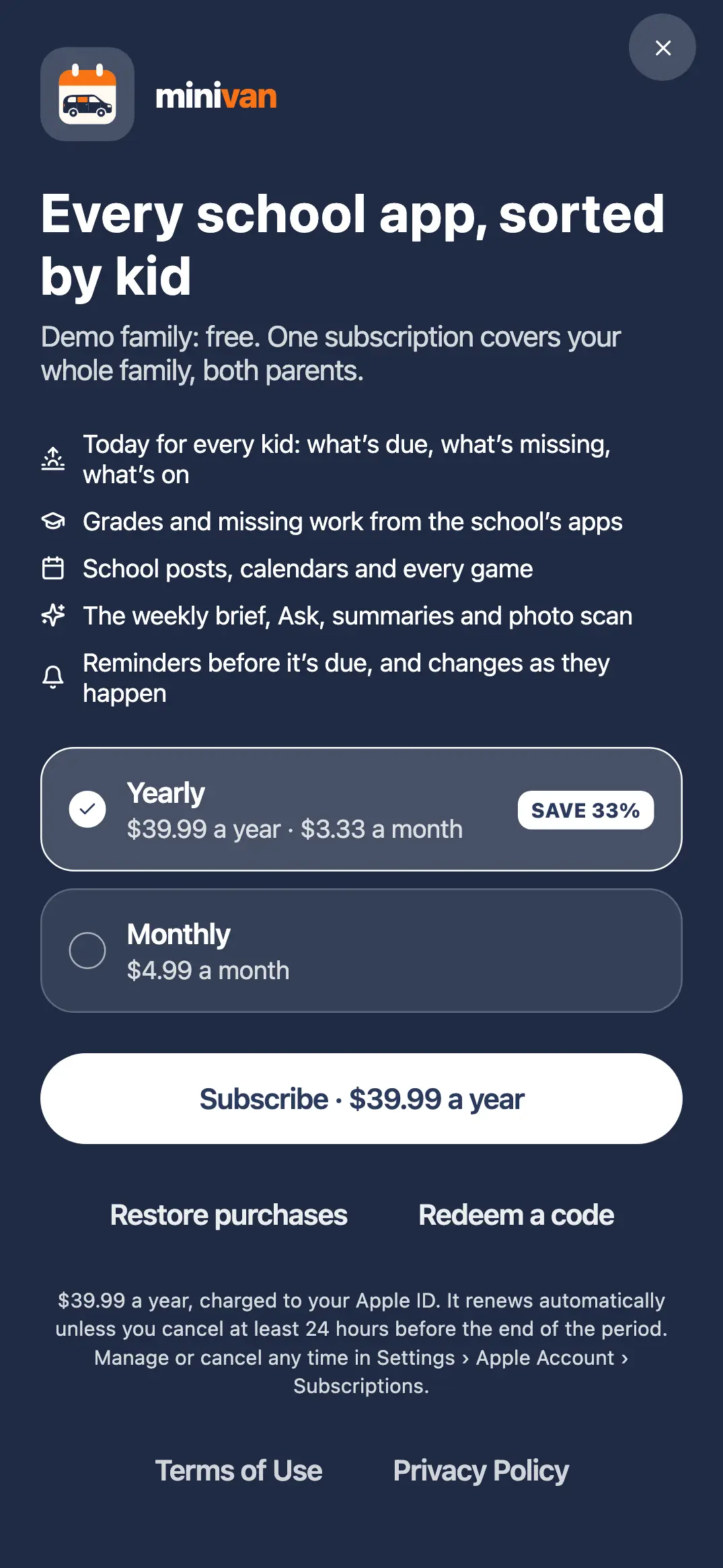
- Open Settings → See plans (or tap any locked screen).
- Pick Yearly ($39.99 a year, $3.33 a month) or Monthly ($4.99 a month).
- Tap Subscribe and confirm with Face ID or your Apple Account password on Apple’s sheet.
The subscription is charged to your Apple Account and renews automatically unless you cancel at least 24 hours before the end of the period. If your Apple Account uses Ask to Buy, Minivan says “Waiting for approval” and the subscription starts when it’s approved.
One subscription, both parents
Whoever subscribes, the whole family is unlocked: the other parent’s iPhone unlocks through your shared family account, as long as they’re signed in to the same family. A subscription shared through Apple Family Sharing works too.
Restore a subscription
On a new iPhone or after reinstalling: Settings → Restore purchases, signed in to the App Store with the Apple Account that paid. If Minivan says “No subscription found”, that Apple Account has no active subscription. If the other parent paid, sign in to your family’s account in Settings instead; their subscription covers you.
Switch between monthly and yearly
iPhone Settings → your name → Subscriptions → Minivan, then pick the other plan. Apple decides when the change takes effect and shows the date on that screen.
Cancel
Open Minivan Settings → Manage subscription, or iPhone Settings → your name → Subscriptions → Minivan → Cancel Subscription. You keep access until the end of the period you paid for. Deleting the app or your Minivan account doesn’t cancel it.
Refunds
Apple handles all App Store payments, so Minivan can’t issue refunds. Request one at reportaproblem.apple.com, signed in with the Apple Account that paid: choose the Minivan charge, then Request a refund. Apple decides and replies by email.
Offer codes
If you have a Minivan offer code, open the plans screen and tap Redeem a code, then enter it on Apple’s sheet.
← All help · FAQ · Questions? support@getminivan.com