School
School posts and messages
Read every post from ParentSquare and Schoology in one list, see who it’s for, and get long posts summed up with their to-dos.
Updated November 20, 2026
Where posts show up
Today has a From school section with the newest posts. Tap See all for every post, newest first, with when it was sent and which grade or building it’s for.
If it says No posts yet, connect ParentSquare or Schoology in Settings → Apps & Calendars.
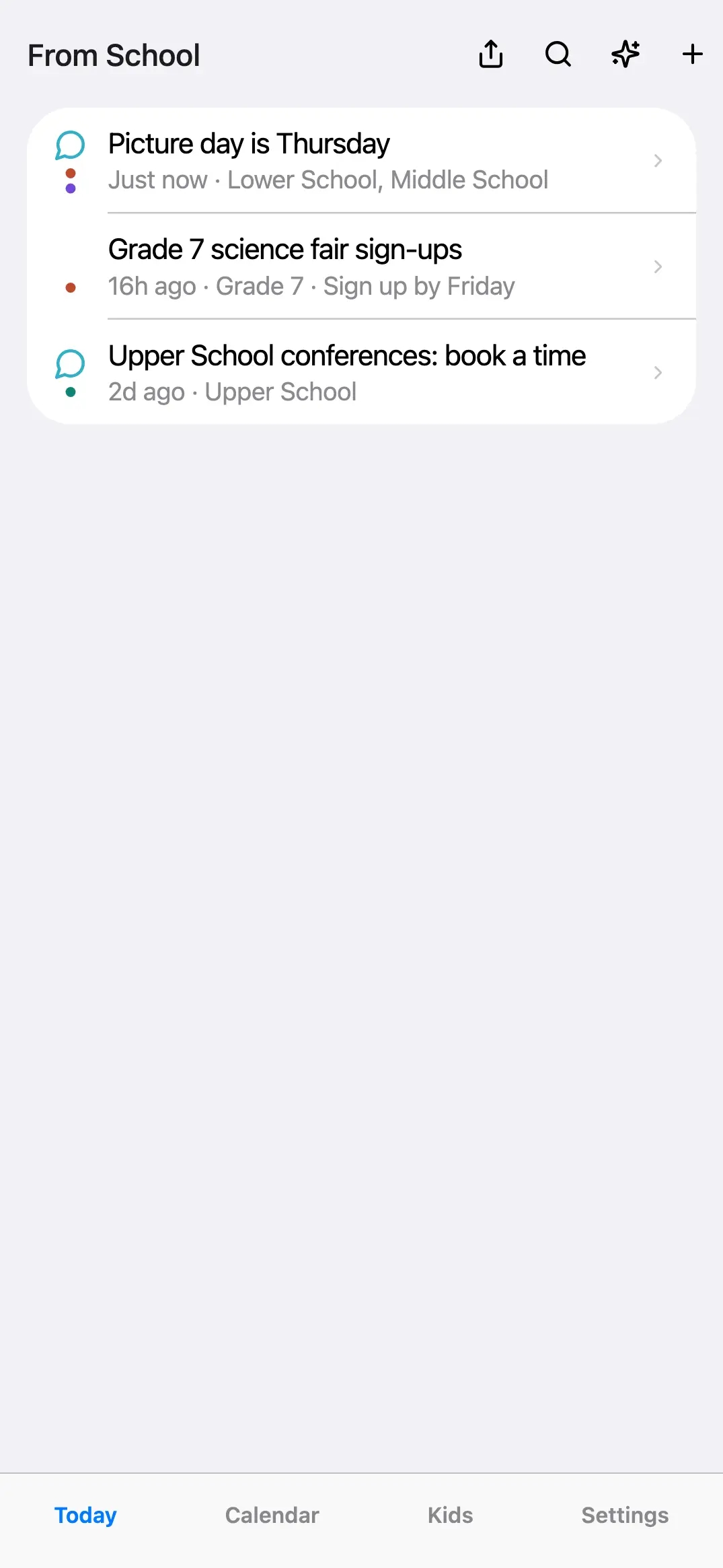
Read one
Tap a post to open it. You see the whole post, who it’s for and where it came from. With Minivan AI on, a long post gets a two-sentence summary and its to-dos at the top.
Who it’s for
Posts are tagged from Kids & Connections first. When a post doesn’t say who it’s for, Minivan AI (if on) reads it and tags the kid it mentions, like “3rd grade field trip”. To change it, open the post and tap Change. Turn the AI tagging on or off in Settings → Minivan AI → Tag posts with the right kid.
Get told about new posts
Settings → Notifications → School posts. You can choose which kids’ posts send alerts under Alerts for; posts for the whole family always come through.
← All help · FAQ · Questions? support@getminivan.com