Account and billing
Your account: sign in, sign out, delete
Sign in with Apple, Google or an emailed code, change the email you use, sign out, erase this iPhone, delete your account, and get a copy of your data.
Updated November 20, 2026
Do I need an account?
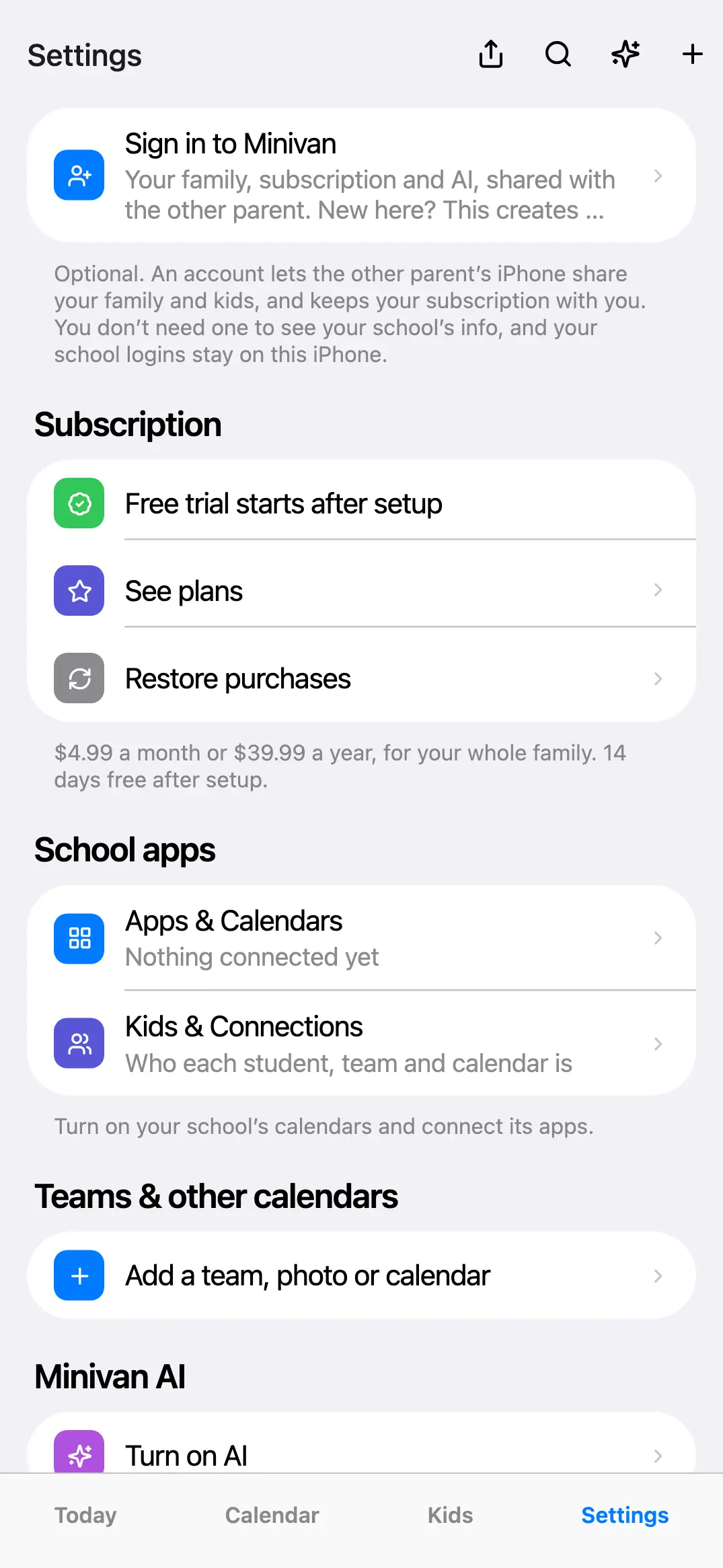
No. Without one, Minivan reads your school apps and teams on this iPhone only. An account lets the other parent’s iPhone share your family and kids, and keeps your subscription with your family on any iPhone. You can sign in any time from Settings → Sign in to Minivan.
Ways to sign in
- Sign in with Apple: one tap. If you choose Hide My Email, Minivan gets an Apple relay address; invites must go to that address.
- Google: one tap with your Google account.
- Email code: type your email, tap Email me a code, and enter the six-digit code from the email. It works for an hour.
There is no password, so there is nothing to reset. If a code doesn’t arrive, see Troubleshooting.
Use a different email
Minivan can’t change the email on an existing account from the app. Two ways to move to another address:
- If you’re the only guardian, sign in with the new email and set the family up again (your school logins stay on this iPhone, so reconnecting is quick).
- If you want to keep the same family, have the other parent invite your new address (Settings → Invite the other parent), then sign in with it.
Or email support@getminivan.com from the address on the account and say which address you’d like to use instead.
Sign out
Settings → Sign out of family account. This iPhone stops syncing with the family account. Your kids, school logins and calendars stay on this iPhone, and the other parent keeps the family.
Erase this iPhone
Settings → Erase all data on this iPhone removes your school logins and everything read from them (grades, assignments, messages) from this iPhone. Deleting the Minivan app does the same. It doesn’t delete your account.
Delete your account
- Open Settings and scroll to your family.
- Tap Delete account.
- Read what will be deleted and tap Continue. If you’re the only guardian, your family and your kids’ names and schools are deleted on every device. If another guardian is in the family, only your account goes and the family stays for them.
- Tap Delete account again to confirm. Your school logins and school data on this iPhone are erased too.
This can’t be undone. Deleting your account doesn’t cancel an App Store subscription: cancel it in iPhone Settings → your name → Subscriptions (see Subscription and billing). To delete an account you made on getminivan.com without the app, email support@getminivan.com.
Get a copy of your data
Your kids’ grades, assignments and messages live in the school’s own apps and are only read onto your iPhone, so the school app is the place to export them. Minivan’s server holds only your account (email and name), your family name, guardians, your kids’ first names, grades and schools, shared to-dos and the subscription status. To get a copy, email support@getminivan.com from the address on the account.
← All help · FAQ · Questions? support@getminivan.com