Privacy and data
Privacy and security
Your school logins stay on your iPhone. What Minivan stores, where it’s kept, which services handle it, and what it never does.
Updated November 20, 2026
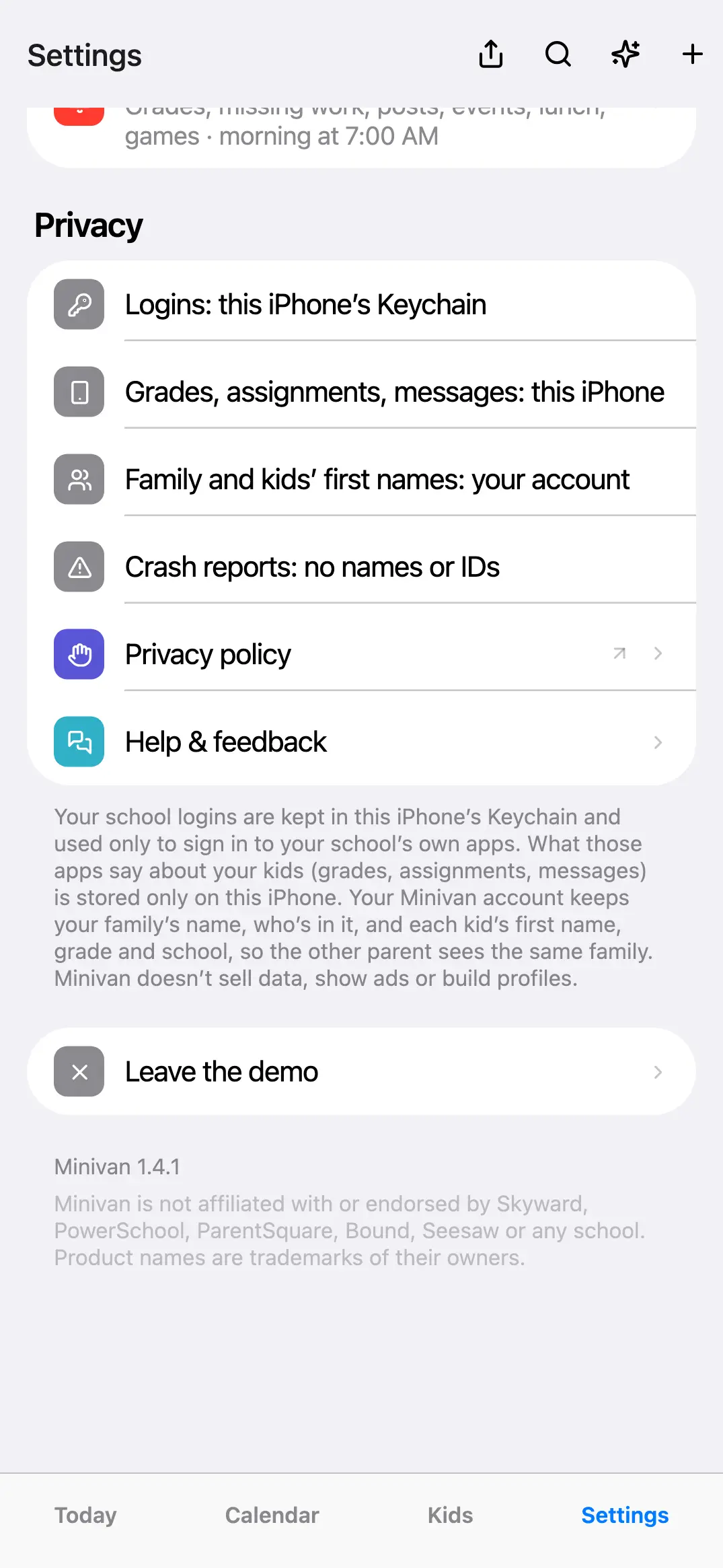
Logins
Kept in your iPhone’s Keychain and used only from your phone. Never sent to Minivan or stored on a server.
School data
Grades, assignments and messages are read on your phone and stay there. Your account holds your family’s names, schools, teams, settings and shared to-dos, so both parents see the same setup.
AI
Off until you turn it on. Each request sends only what it needs and nothing is kept. See the privacy policy for the details.
Leaving
Settings → Delete account removes your account. Settings → Erase all data on this iPhone removes school logins and everything read from them.
Where each kind of data lives
| Data | Where it’s kept |
|---|---|
| School app logins | This iPhone’s Keychain only |
| Grades, assignments, messages, events, lunch balances | This iPhone only |
| Your email, and your name if you give it or sign in with Apple or Google | Your Minivan account |
| Family name, guardians, each kid’s first name, grade and school | Your Minivan account, seen only by the guardians in your family |
| Shared family to-dos | Your Minivan account, seen only by the parents in the family |
| Subscription | Apple takes payment; your account keeps only which plan the family has and when it renews or ends |
| Crash reports | The error, the screen, the app version and iOS version, with no account, family or device ID; names, emails and long numbers are removed on the iPhone first; kept 90 days |
Your iPhone calendars, photos and notifications are used only when you turn them on, and only on the iPhone.
When AI is on
Each request goes through Minivan’s server with only what it needs: for the brief and Ask, upcoming items (titles, dates, places, which kid), classes, current grades and trends, missing work and the lunch balance; for a post summary, that post’s text; for a photo, the photo. Nothing from these requests is stored on Minivan’s server (only a count, to keep use within limits), and the AI provider, Anthropic, doesn’t use it to train its models. Turn AI off any time in Settings → Minivan AI.
Services that handle Minivan data
| Service | What it does |
|---|---|
| Supabase | The account database and sign-in |
| Resend | Sends the sign-in code emails |
| Apple | The App Store, subscriptions and Sign in with Apple |
| Tells Minivan your name and email if you sign in with Google | |
| Superwall | Shows the plans screen and records which plans were seen and bought, with an anonymous id (your account id once you sign in); not used for ads or tracking |
| Anthropic | The AI features, only when you turn them on |
| Vercel | Hosts getminivan.com |
Minivan has no ads, doesn’t sell or rent your information, and doesn’t build profiles.
Kids
Minivan is for parents and guardians, 18 and older; kids don’t have accounts. Information about kids comes from the guardian who sets up the family and the school apps that guardian connects on their own iPhone.
The full policy
The privacy policy is the complete, binding version. Questions or data requests: support@getminivan.com.
← All help · FAQ · Questions? support@getminivan.com