School
A/B/C rotation days
Show your school’s rotation day (A Day, B Day, Day 3) next to the date, only for the kids whose schools use one.
Updated November 20, 2026
What it does
Some schools run on a rotation: A and B days, or Day 1 to Day 6. When a school calendar publishes those days, Minivan can show the rotation next to the date on Today and Calendar, so you know which schedule a kid is on.
Choose who sees it
- On Today or Calendar, tap the rotation day shown next to the date.
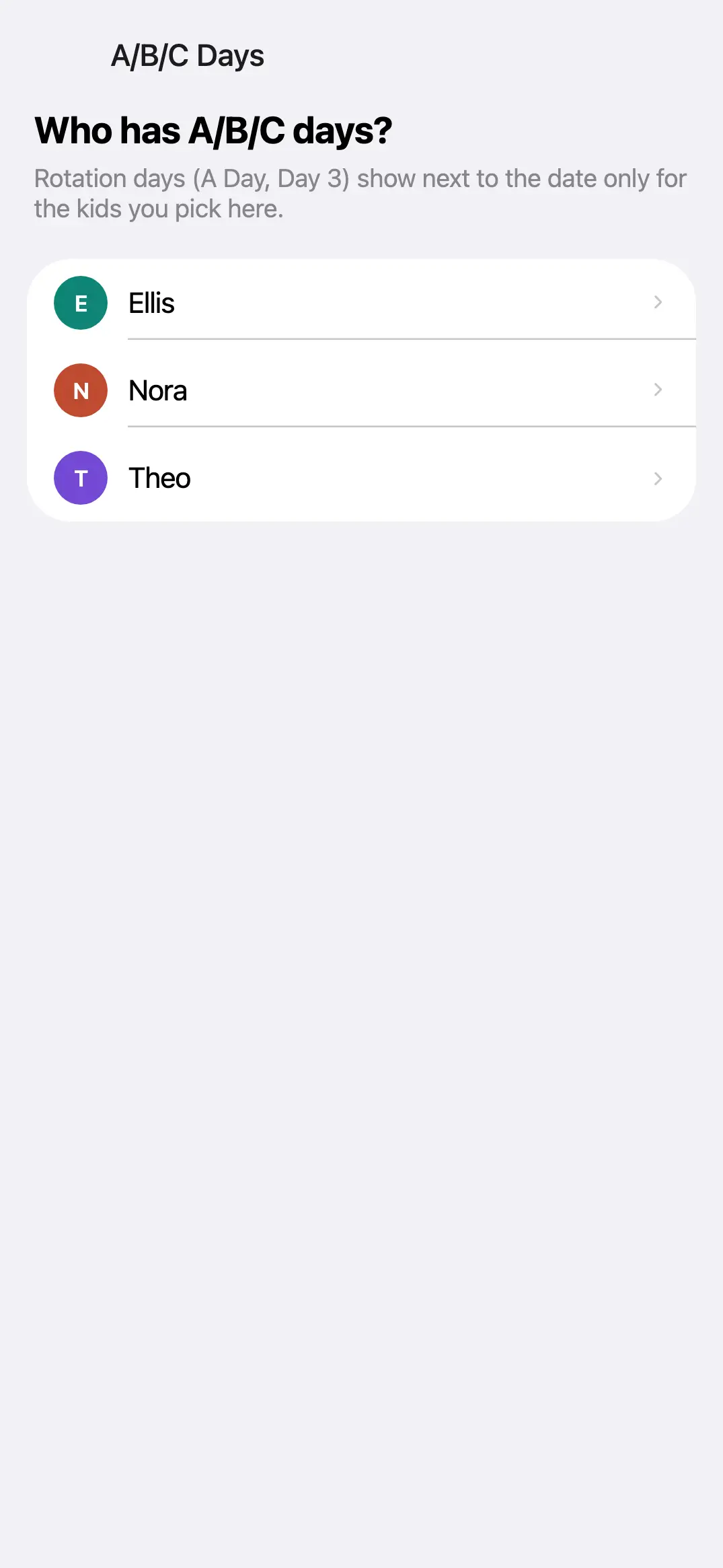
- On A/B/C Days, switch on each kid whose school uses rotation days.
Kids you leave off never show a rotation day, even if their school calendar lists one.
← All help · FAQ · Questions? support@getminivan.com